SR-2200HD EXTREME V195 Firmware Update
The latest firmware SR-2200HD_EXTREME_V195_22-09-2026 is now available for the SR-2200HD EXTREME satellite receiver.

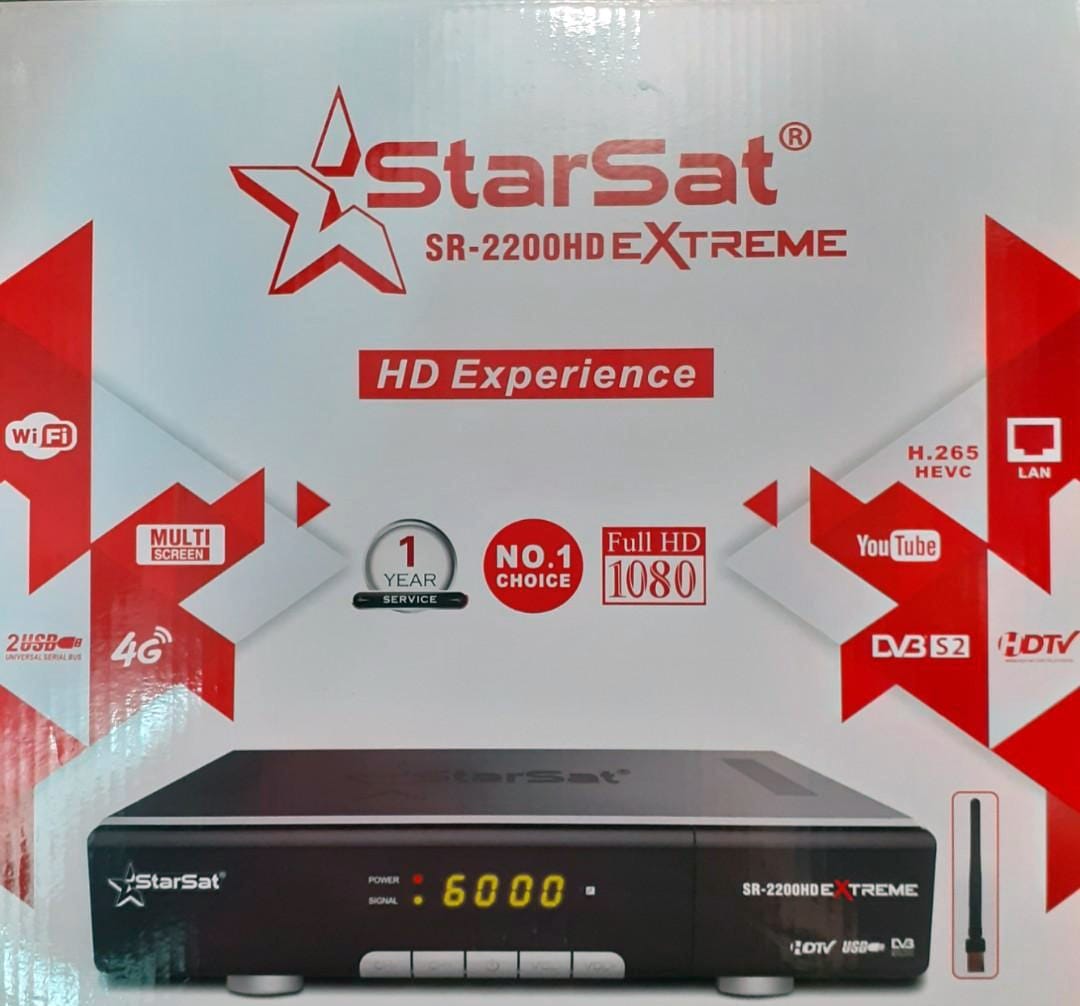
The latest firmware SR-2200HD_EXTREME_V195_22-09-2026 is now available for the SR-2200HD EXTREME satellite receiver.
Firmware Information
- Model: SR-2200HD EXTREME
- Version: V195
- Release Date: September 22, 2026
- File Name: SR-2200HD_EXTREME_V195_22-09-2026
Features & Improvements
- Improved system stability and performance.
- General software optimizations.
- Bug fixes and system improvements.
- Improved compatibility with satellite services.
How to Install
- Download the firmware file from the link below.
- Extract the downloaded file if it is compressed.
- Copy the firmware file to a FAT32-formatted USB flash drive.
- Connect the USB drive to the SR-2200HD EXTREME receiver.
- Open Menu → Tools → Upgrade by USB.
- Select the firmware file and start the upgrade.
- Wait until the installation is completely finished. Do not turn off the receiver during the update.
- Restart the receiver after the upgrade is completed.
Download
SR-2200HD EXTREME V195 Firmware
Download Firmware – SR-2200HD_EXTREME_V195_22-09-2026
Note: Make sure the firmware is compatible with your exact receiver model before installation. Incorrect firmware may cause the receiver to malfunction.